The Role of Deadbolts Vs Smart Locks: Which Is Better for Your Home?
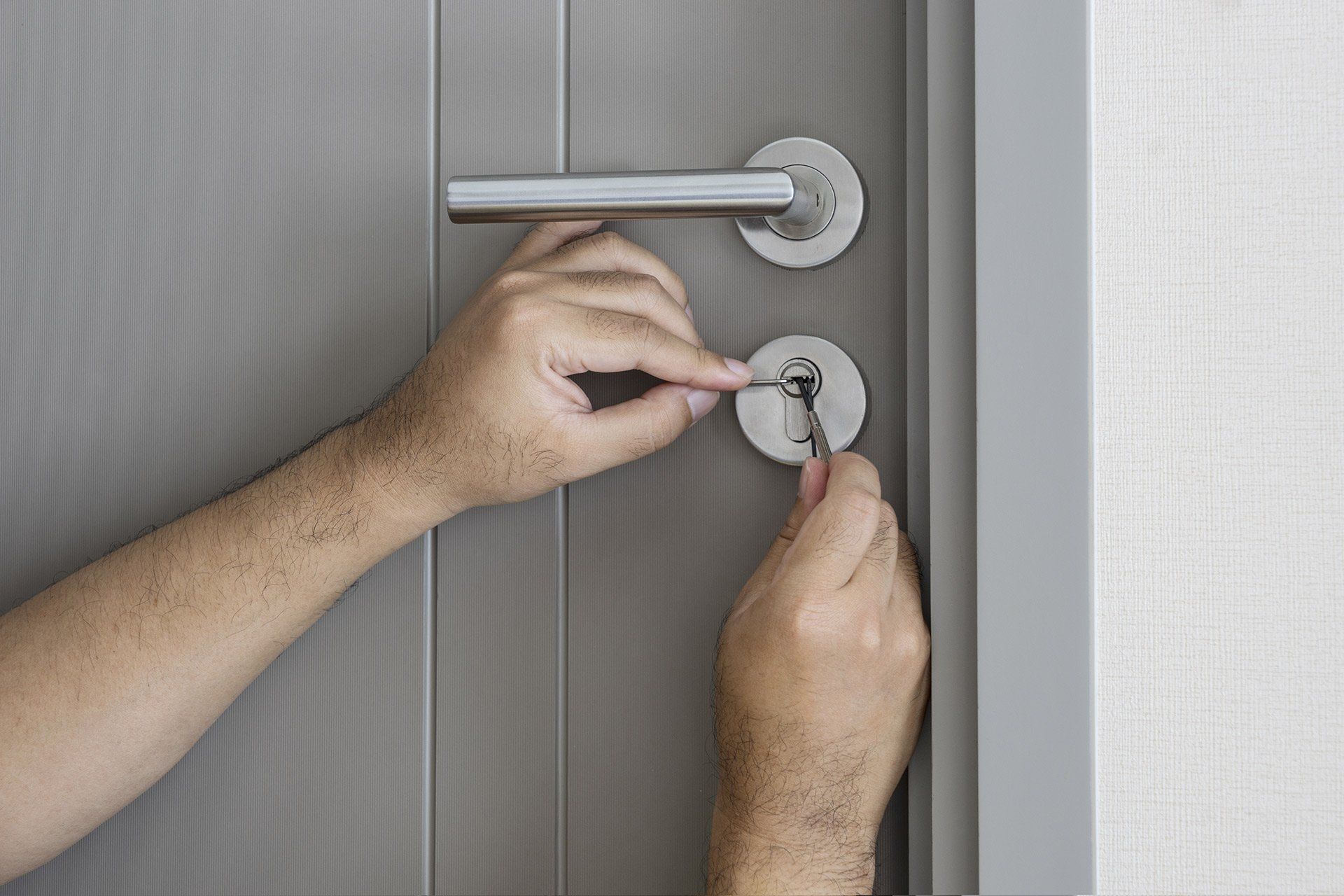
Choosing the right lock for your home isn’t just about convenience. It’s about how you protect your space, control access and feel secure day to day. If you’re comparing options or searching Sunshine Coast locksmith or locksmith near me, chances are you’re weighing up whether to stick with a traditional deadbolt or upgrade to a smart lock.
Both options have their place. Deadbolts offer proven strength and simplicity, while smart locks bring flexibility and modern features. The better choice depends on how you live, who needs access and how much control you want over your home security.
If you’re unsure where to start, speaking with a
locksmith on the Sunshine Coast can help you understand what works best for your specific setup.
What Is a Deadbolt?
When homeowners start comparing lock options, many turn to locksmith Sunshine Coast services to understand what will actually perform well long term. A deadbolt is often the first recommendation because of its strength and reliability.
A deadbolt is a mechanical lock that uses a solid metal bolt to secure your door. When locked, the bolt extends deep into the door frame, making it far more resistant to forced entry than standard spring latch locks.
You’ll usually operate a deadbolt with a key from the outside and a thumb turn from the inside. There’s no reliance on power, Wi-Fi or apps. It’s straightforward and built to do one job well.
Deadbolts have been a go-to option for decades because they’re reliable, durable and difficult to bypass when installed correctly.
What Is a Smart Lock?
A smart lock replaces or works alongside your existing lock system and allows you to control access electronically. Instead of relying solely on a key, you can unlock your door using:
- A smartphone app
- A keypad with a PIN code
- A fingerprint scanner
- Voice control or smart home integration
Many models also let you lock and unlock your door remotely, check access history and create temporary codes for guests or trades.
Smart locks are designed for convenience, though they also add a level of control that traditional locks don’t offer.
Security Comparison
Deadbolts
Deadbolts are strong because of their physical design. A quality deadbolt:
- Resists forced entry
- Has fewer components that can fail
- Doesn’t rely on power or connectivity
- Offers consistent performance over time
When installed properly by a Sunshine Coast locksmith, a deadbolt provides a high level of baseline security. It’s hard to beat in terms of simplicity and reliability.
Smart Locks
Smart locks vary depending on the brand and model. High-quality options can be very secure, especially when paired with a strong mechanical locking system.
They also offer features that improve everyday security:
- Alerts when your door is unlocked
- Ability to lock your door remotely
- Access logs showing who entered & when
- Temporary or time-restricted access codes
Smart locks do introduce a few extra considerations, including battery life, software updates and connectivity. These aren’t major issues when managed properly, though they’re still worth factoring in.
Which Is More Secure?
Deadbolts win on pure mechanical strength and reliability. Smart locks offer more visibility and control. For many homes, combining both creates a more complete setup. You get the strength of a physical lock with the added flexibility of smart access.
Convenience & Everyday Use
This is where smart locks start to stand out.
Deadbolts
Deadbolts are simple. You lock and unlock them with a key or thumb turn. There’s no setup and no learning curve.
That simplicity suits:
- Households that prefer traditional systems
- Properties with fewer users
- Owners who want a low-maintenance option
The trade-off is that keys can be lost, copied or forgotten.
Smart Locks
Smart locks are designed to make access easier, especially in busy households.
You can:
- Unlock your door without carrying keys
- Let someone in while you’re away
- Assign unique codes to different users
- Remove access instantly when needed
If you’ve ever searched for a locksmith near me after being locked out, you can see the appeal of having keyless entry as a backup.
For households with frequent visitors or service providers, working with a Sunshine Coast locksmith can help set up a system that balances both access and security.
Installation & Compatibility
Deadbolts
Deadbolts are generally straightforward to install, especially if your door is already set up for one. A proper installation ensures:
- Correct alignment
- Secure fixing
- Smooth operation
Once it’s in place, there’s very little to maintain.
Smart Locks
Smart locks can be more involved depending on the system you choose. Some replace your existing lock, while others integrate with it.
Installation may include:
- Connecting to an app or device
- Setting up user access
- Calibrating the locking mechanism
Working with a Sunshine Coast locksmith helps make sure everything fits properly and functions the way it should from the start.
In some cases, a qualified locksmith can recommend compatible options based on your existing doors and hardware, which avoids issues down the track.
Cost Considerations
Upfront Costs
Deadbolts are typically the more affordable option. You’re paying for a solid, mechanical solution without added technology.
Smart locks sit at a higher price point due to their features and connectivity.
Long-Term Costs
Deadbolts require very little ongoing investment.
Smart locks may involve:
- Battery replacements
- Occasional servicing
- Software or hardware updates over time
These costs are usually manageable, though they do add an extra layer compared to traditional locks.
Reliability & Maintenance
Deadbolts
Deadbolts are built for long-term reliability. With minimal maintenance, they can perform consistently for years.
They aren’t affected by:
- Power outages
- Internet issues
- Software problems
That makes them a dependable option for homeowners who want something simple and stable.
Smart Locks
Smart locks are reliable when maintained properly, though they rely on power and connectivity.
It’s important to keep in mind:
- Batteries need replacing
- Systems may need updates
- Connectivity can occasionally drop
Most smart locks include backup options, such as a physical key, so you’re not left without access.
Best Use Cases for Each Option
When A Deadbolt Makes Sense
A deadbolt is a strong choice if you:
- Want a simple & proven solution
- Prefer minimal maintenance
- Don’t need advanced access features
- Are upgrading on a budget
When A Smart Lock Is a Better Fit
A smart lock suits homes where:
- Multiple people need access
- Remote control is important
- Convenience is a priority
- Smart home integration is already in place
When Combining Both Works Best
In many cases, combining both options delivers the best result.
You might use:
- A deadbolt for core physical security
- A smart system for flexible access control
This gives you a balanced setup without relying entirely on one system.
Choosing What Works for Your Home
There’s no single answer that suits every property. The right choice comes down to how you use your space and what level of control you want.
Think about:
- How often access needs to change
- Who needs entry to your home
- Whether convenience or simplicity matters more
- How comfortable you are with technology
A tailored approach usually leads to a better long-term outcome.
Sunshine Coast Locksmith Support
Upgrading your locks is about more than choosing a product. It’s about making sure everything works properly and suits your home.
At Coast 2 Coast Locksmiths, we help homeowners choose practical, secure solutions that match their needs. Whether you’re installing a new deadbolt, upgrading to a smart lock or combining both, we’ll guide you through the process.
If you’re comparing options or need advice from a trusted Sunshine Coast locksmith,
get in touch with our team today. We’ll help you choose a setup that fits your home and gives you confidence in your security.